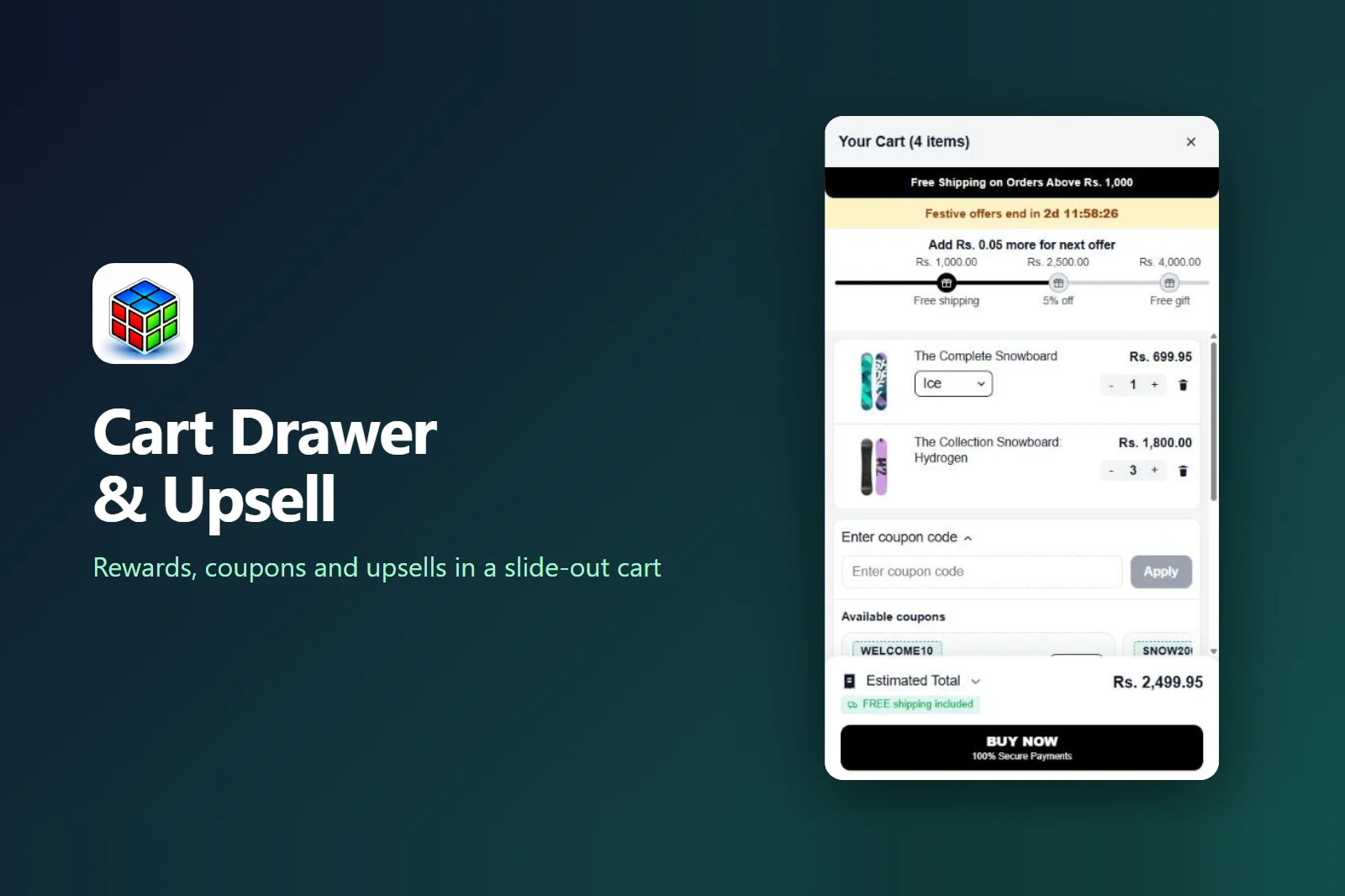
A Shopify cart drawer that grows every order
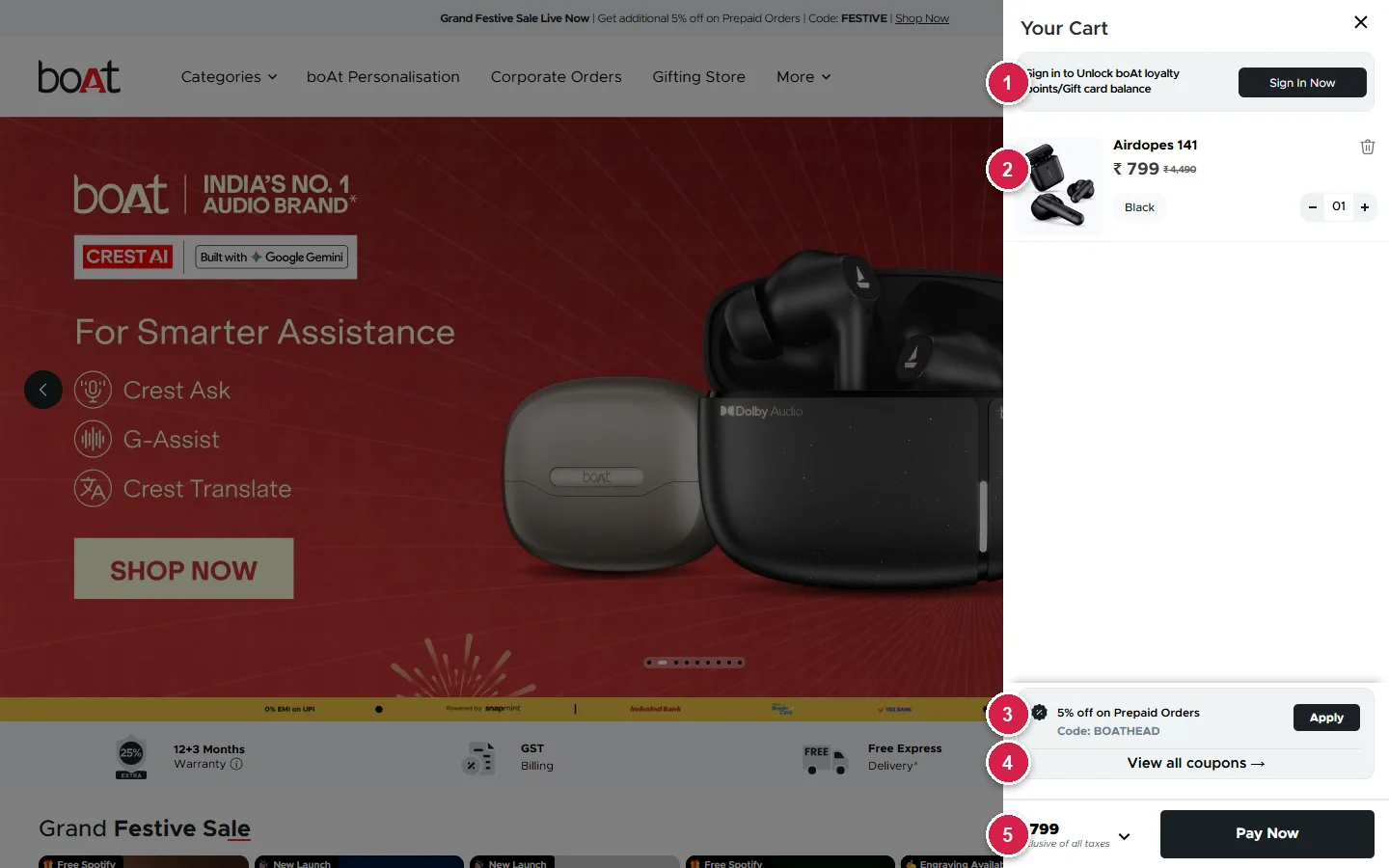
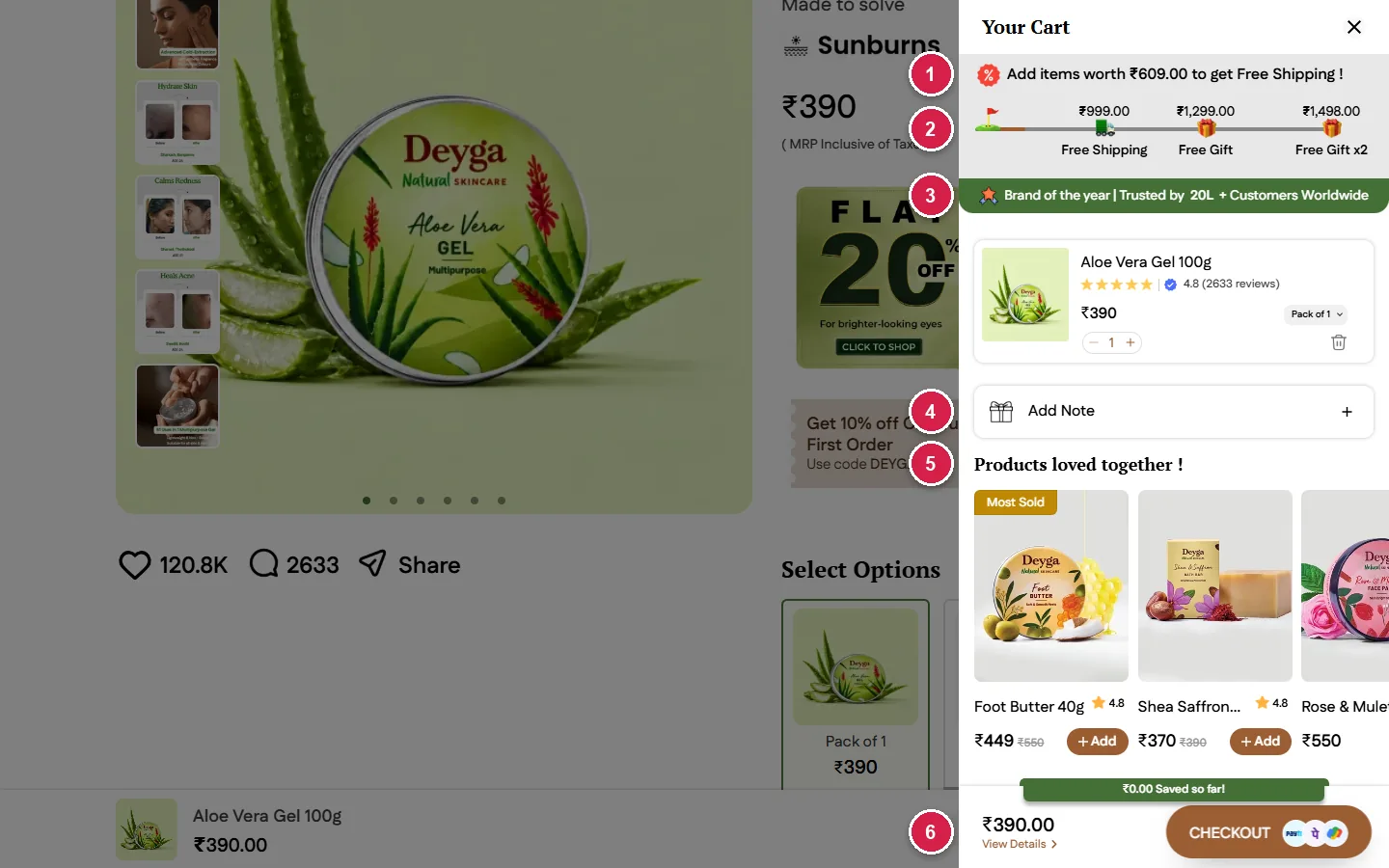
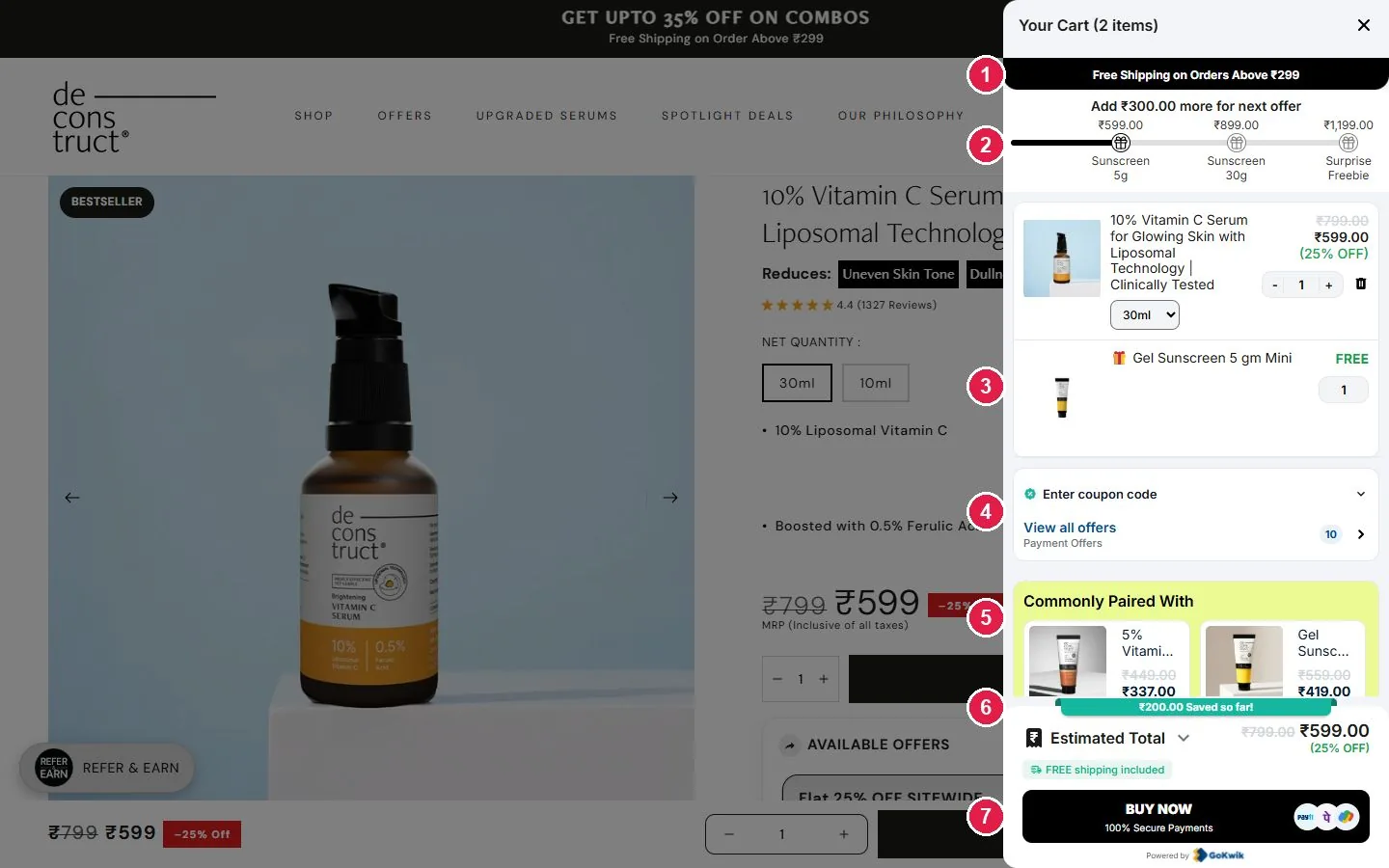
GCL Cart Drawer & Upsell replaces your plain cart with a slide-out cart that shows a rewards bar, free gifts, one-tap upsells and coupons, right before checkout.
We built GCL Cart Drawer & Upsell at GeniusCodeLab after setting up carts for D2C brands again and again. Every brand wanted the same thing: a cart that sells, not a cart that just lists products. The app went live on the Shopify App Store on November 3, 2026. This post covers what it does, how it helps brands, and how to set it up in about ten minutes.
Why your cart is the most underused page on your store
The cart is the last screen a shopper sees before paying. On most Shopify themes it is a plain list with a total. It takes shoppers away from what they were browsing and gives them no reason to add more.
A good Shopify cart drawer fixes this. It slides in over the page, so shoppers keep browsing. It also tells them what they are close to unlocking, which is the simplest way to raise average order value.
Features of GCL Cart Drawer & Upsell
The app runs as a Shopify theme app embed. You switch it on from the theme editor, and every setting lives on one page inside the app.
Slide-out cart
Change quantity, pick a variant or remove an item without leaving the page.
Tiered rewards bar
Shows the next reward, like free shipping, a discount or a gift, as the cart total grows.
Auto free gifts
The gift is added at the right total and priced at zero at checkout by a Shopify discount.
Swaps and deals
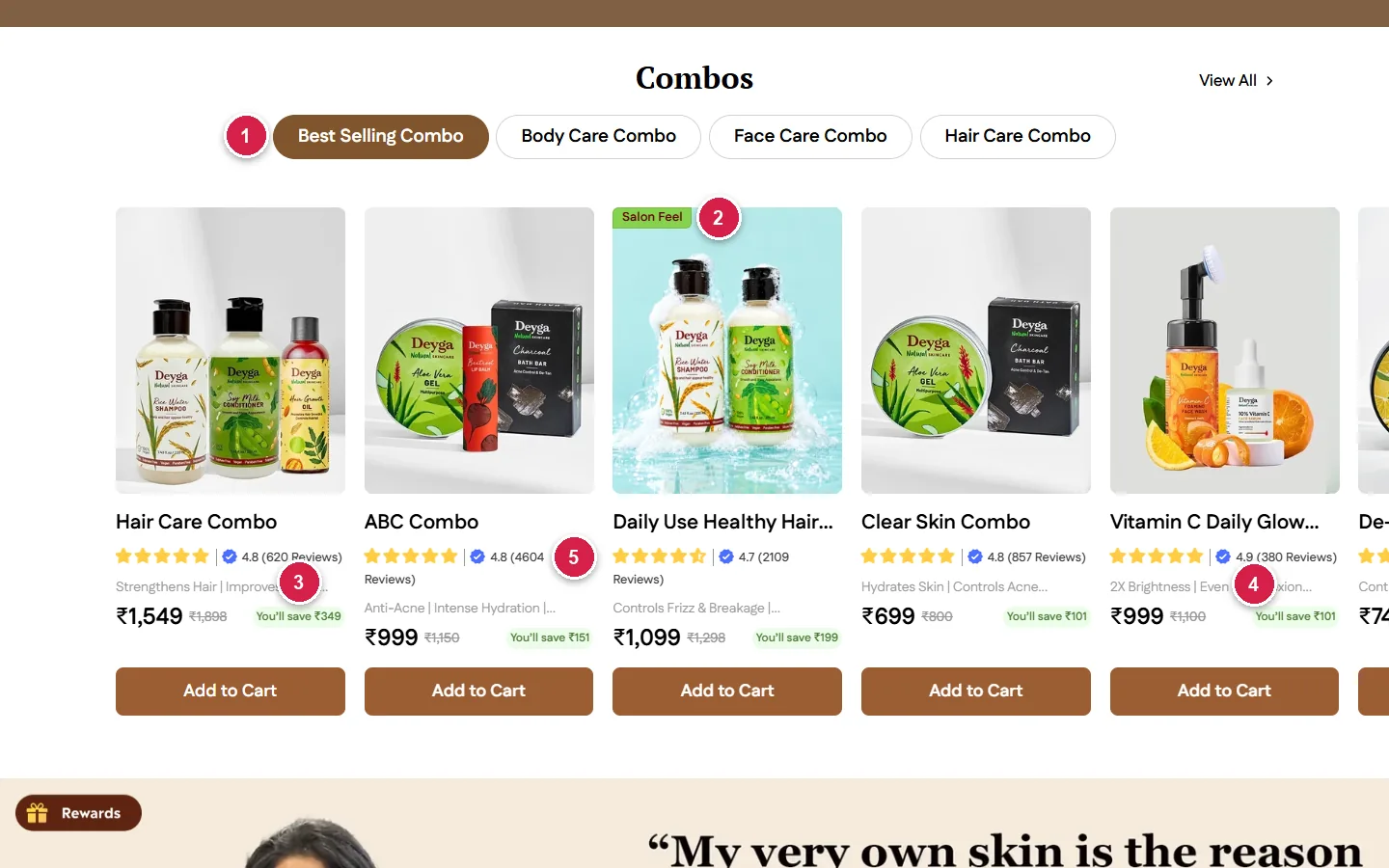
Suggest a bigger pack or a matching product that shoppers add in one tap.
Coupons in the cart
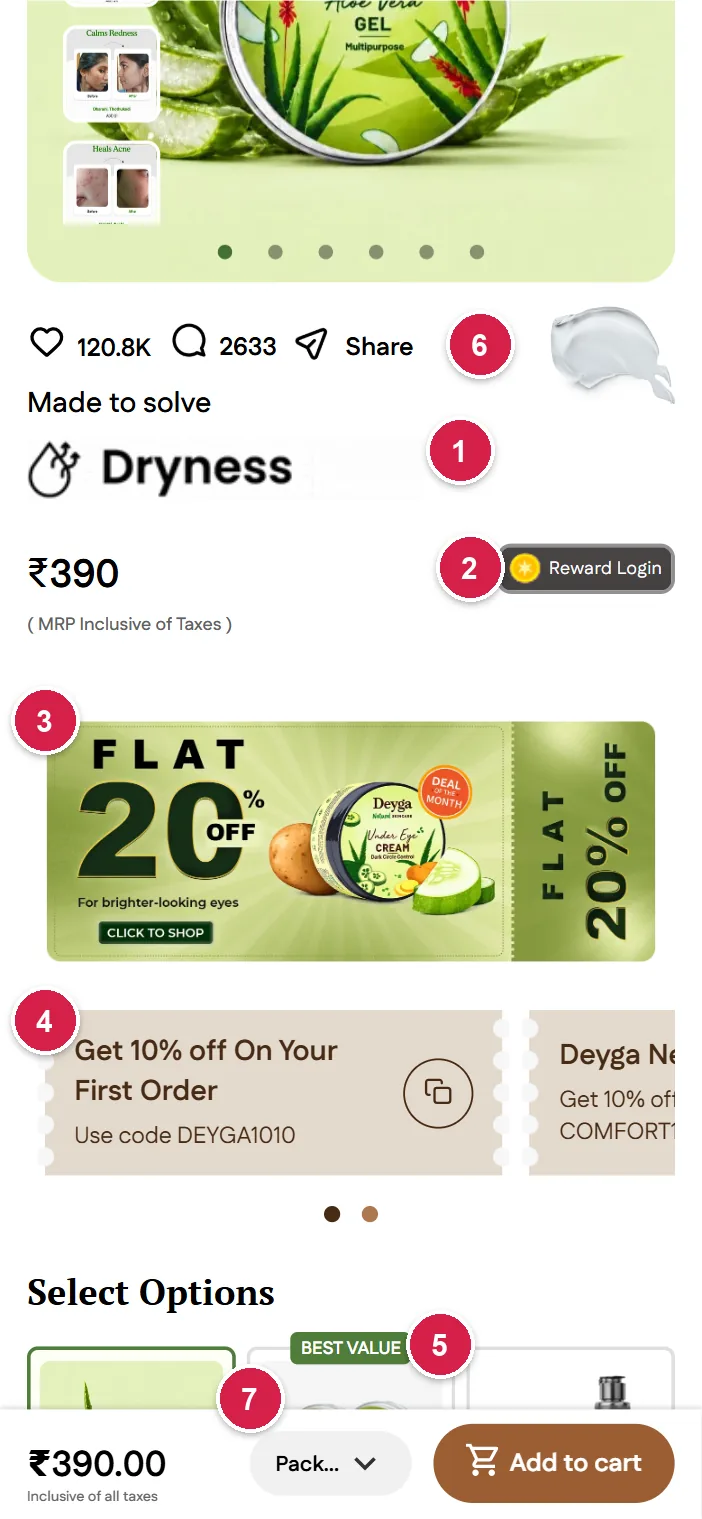
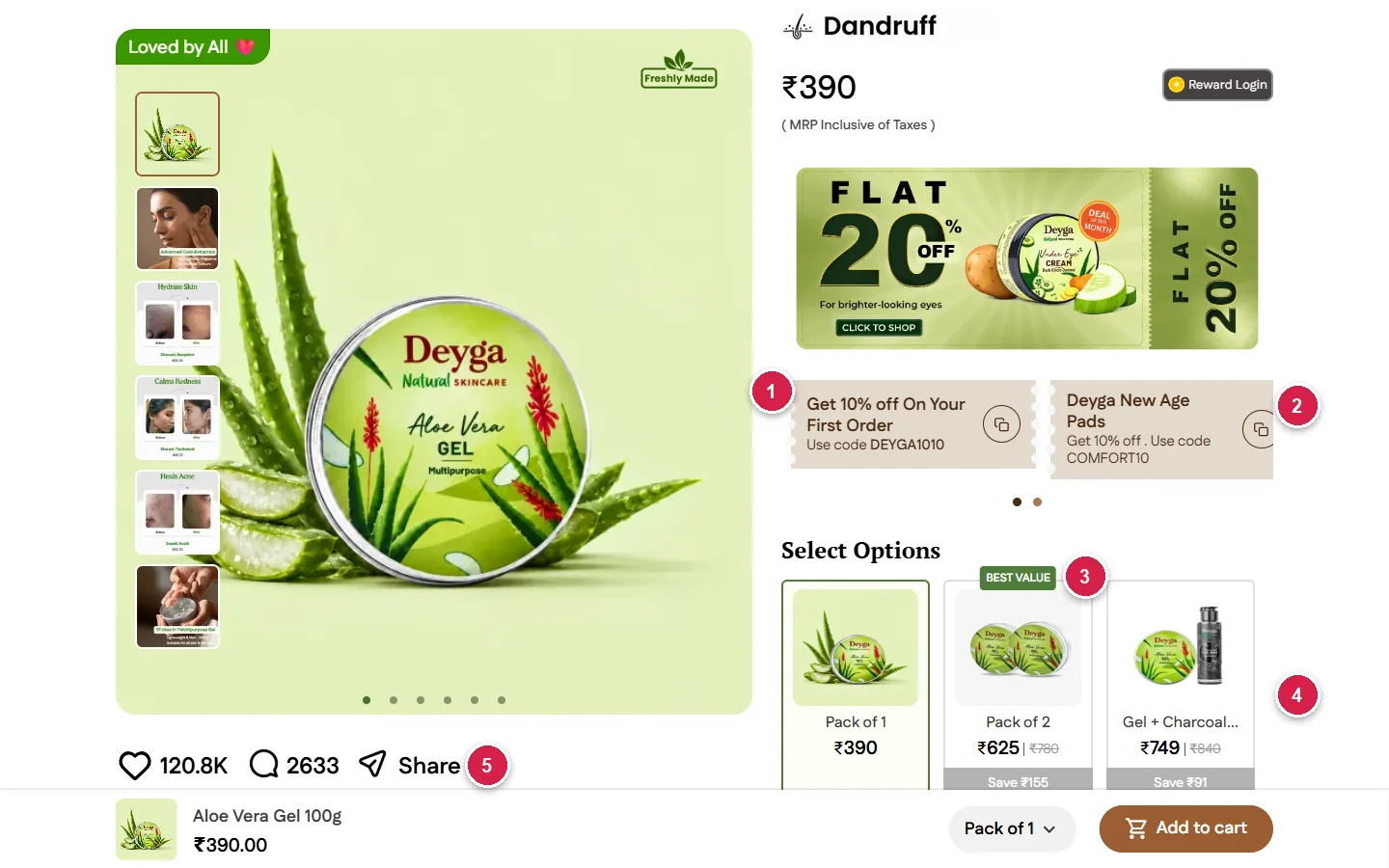
Show your chosen coupons as cards, or let shoppers type a code in the coupon box.
Quick checkout
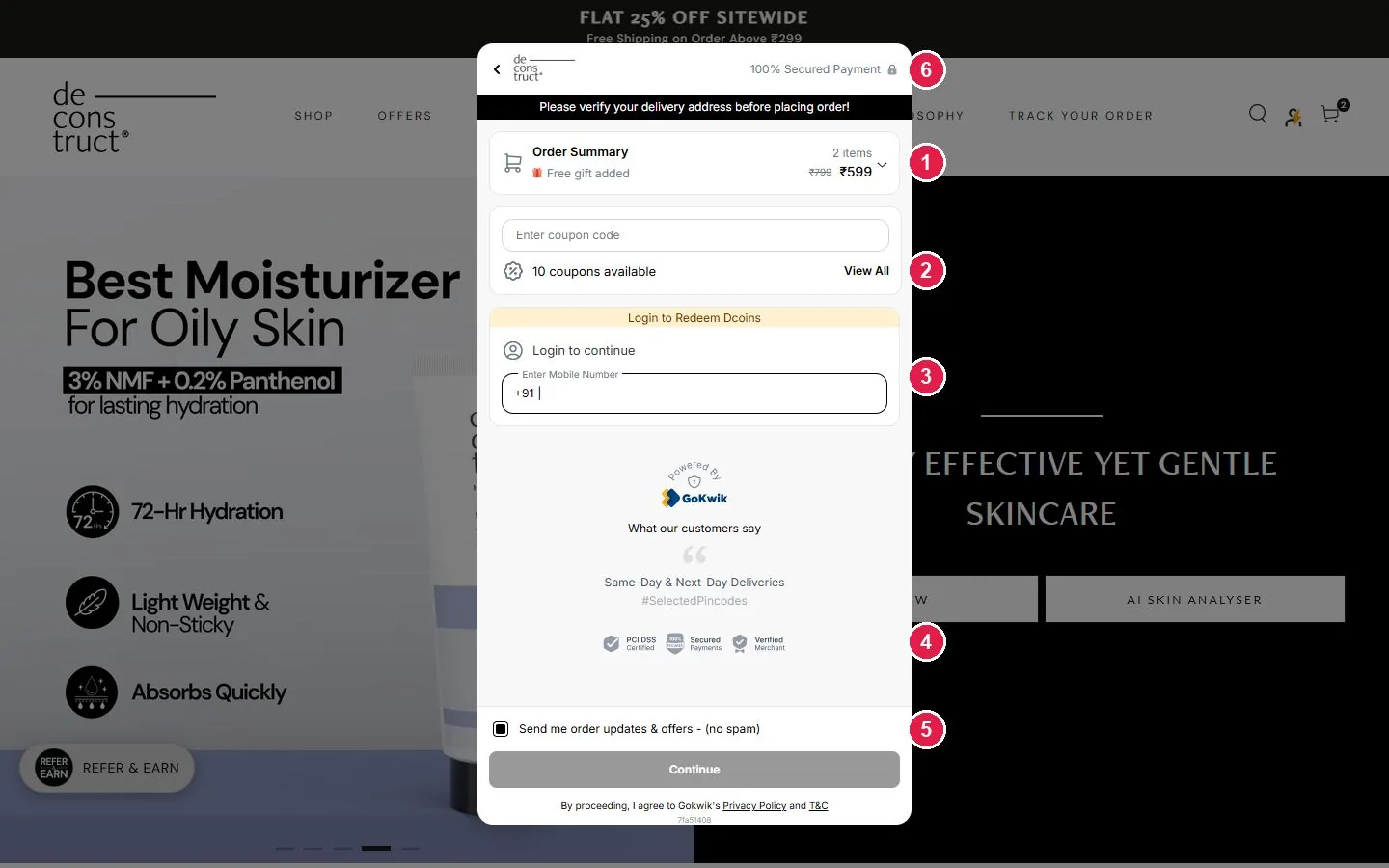
Hand off to GoKwik, Shopflo, Shiprocket, Razorpay Magic or your own checkout script.
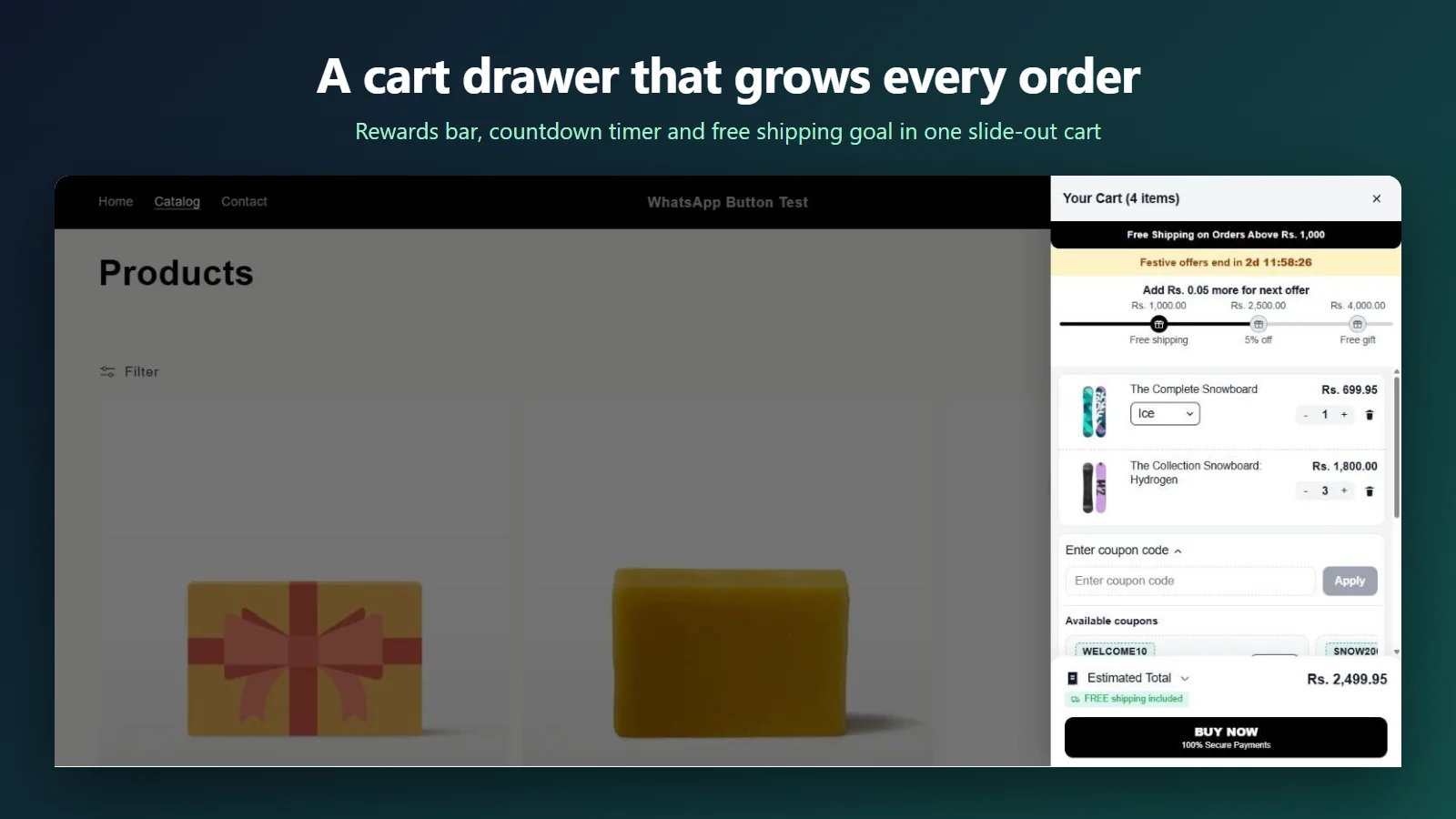
Free vs Pro: every function at a glance
| Feature | What it does | Plan |
|---|---|---|
| Slide-out cart drawer | Opens when a product is added; edit quantity and variants in place | Free |
| Announcement bar | A sale or shipping message at the top of the cart | Free |
| Coupon box | Shoppers enter a discount code and see it applied | Free |
| Order summary and savings | Subtotal, discounts and total saved before checkout | Free |
| Design controls | Colors, texts and drawer position to match your brand | Free |
| Tiered rewards bar | Progress toward free shipping, a discount or a gift | Pro |
| Auto-added free gifts | Gift added at the threshold and charged at zero | Pro |
| Swap offers | Suggest an upgrade of an item already in the cart | Pro |
| Deals carousel | Product recommendations added in one tap | Pro |
| Coupons listed in the cart | Your chosen codes shown as one-tap cards | Pro |
| Countdown timer | A timer for a real, time-limited offer | Pro |
| Quick checkout hand-off | GoKwik, Shopflo, Shiprocket, Razorpay Magic or custom | Pro |
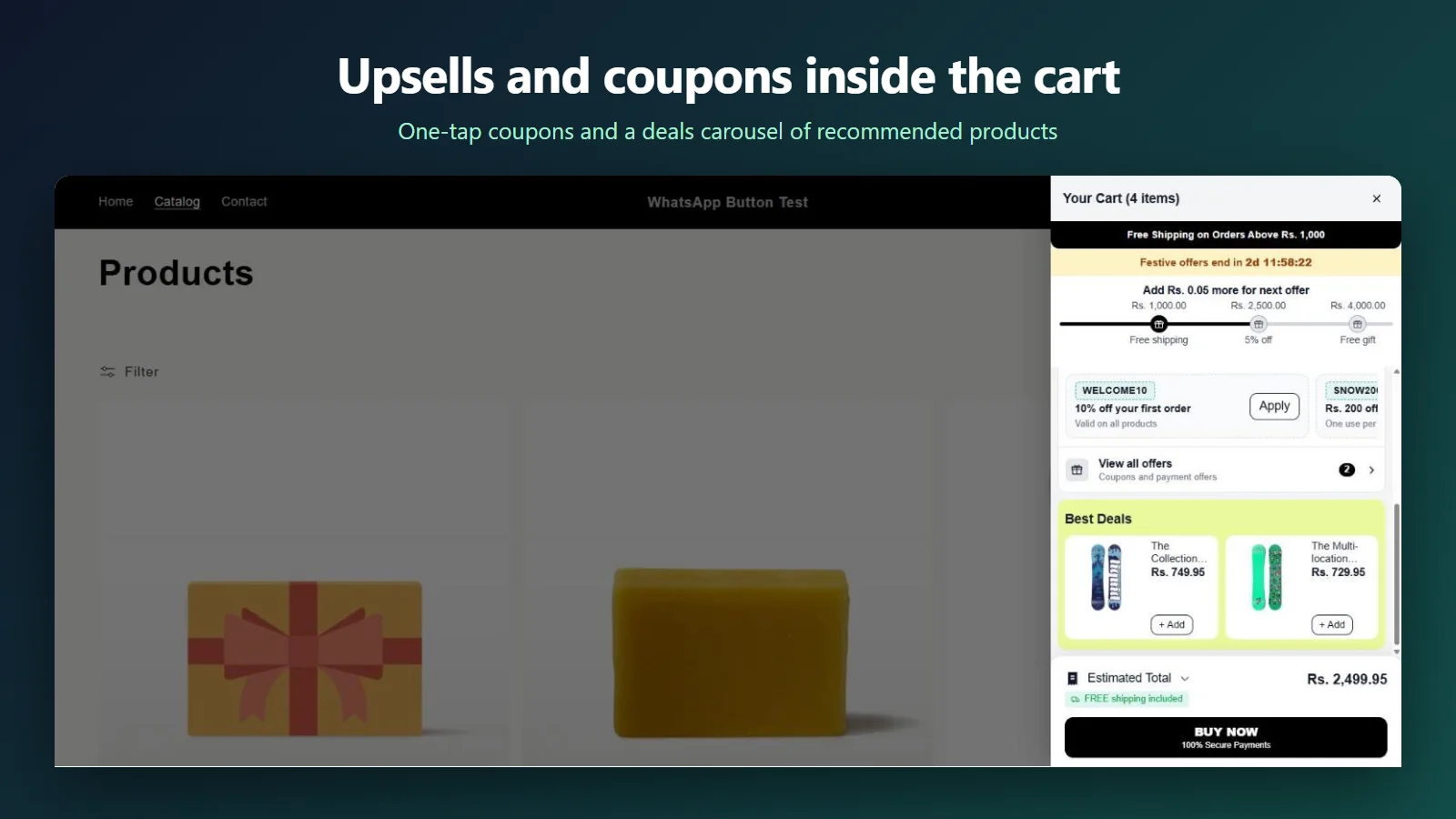
How GCL Cart Drawer & Upsell helps brands
Each feature pulls one lever a D2C brand already tracks.
Higher order value
The rewards bar names the gap, and deals and swaps give shoppers an easy item to close it.
Fewer abandoned carts
Visible coupons stop shoppers leaving to hunt for a code. Clear totals remove price doubt.
Gifts that stay free
The app creates an automatic discount, so the gift promised in the cart is free at checkout too.
Built for Indian checkouts
Keep GoKwik, Shopflo, Shiprocket or Razorpay Magic behind the new drawer.
No developer needed
Colors, texts and position are set in the app. Theme files are never edited.
Mobile first
A full-height drawer with large tap targets works well for phone shoppers.
It suits fashion, beauty, food and gifting brands that run free-shipping thresholds, combo offers or festive coupons.
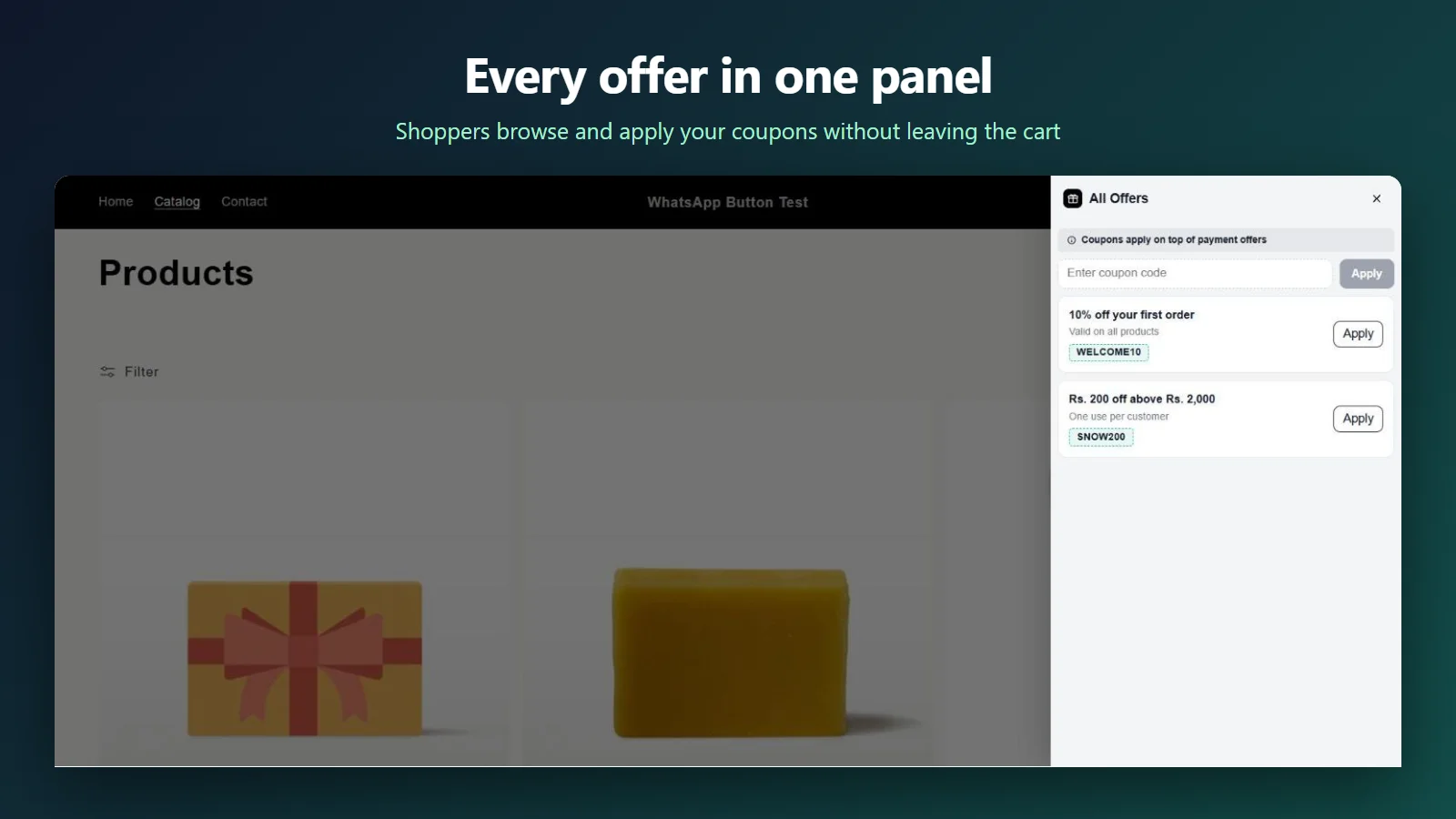
Pricing
Free
- Slide-out cart drawer
- Announcement bar
- Coupon box
- Order summary and savings
- Colors, texts and position
Pro
- Everything in Free
- Rewards bar with free gifts
- Countdown timer
- Swap offers and deals carousel
- Coupons listed in the cart
- Quick checkout hand-off
Pro is billed through Shopify in your store’s currency.
How to set up the cart drawer in 5 steps
- Install GCL Cart Drawer & Upsell from the Shopify App Store.
- Go to Online Store > Themes > Customize > App embeds, switch on the cart drawer and save.
- Open the app and set your announcement text, colors and drawer position.
- On Pro, add reward tiers (for example free shipping at ₹499 and a free gift at ₹999), pick swap and deal products, and choose coupons to show.
- Add a product on your store and check the drawer, the rewards bar and the checkout price.
FAQ
Does the cart drawer slow down my Shopify store?
No heavy theme changes are made. The drawer loads as one theme app embed script and opens only when the cart is used.
Do I need to edit my theme code?
No. You switch it on in the theme editor’s App embeds panel. Turning it off brings back your theme’s own cart.
Are free gifts really free at checkout?
Yes. The app creates an automatic Shopify discount that prices the gift at zero once the cart reaches the tier.
Does it work with GoKwik, Shopflo or Shiprocket checkout?
Yes. The Pro plan hands shoppers to GoKwik, Shopflo, Shiprocket, Razorpay Magic or a custom checkout script.
How much does GCL Cart Drawer & Upsell cost?
The Free plan is $0. Pro is $4.99 per month with a 7-day free trial.
Give your cart a job
Install free, switch on the drawer, and watch shoppers add one more item.